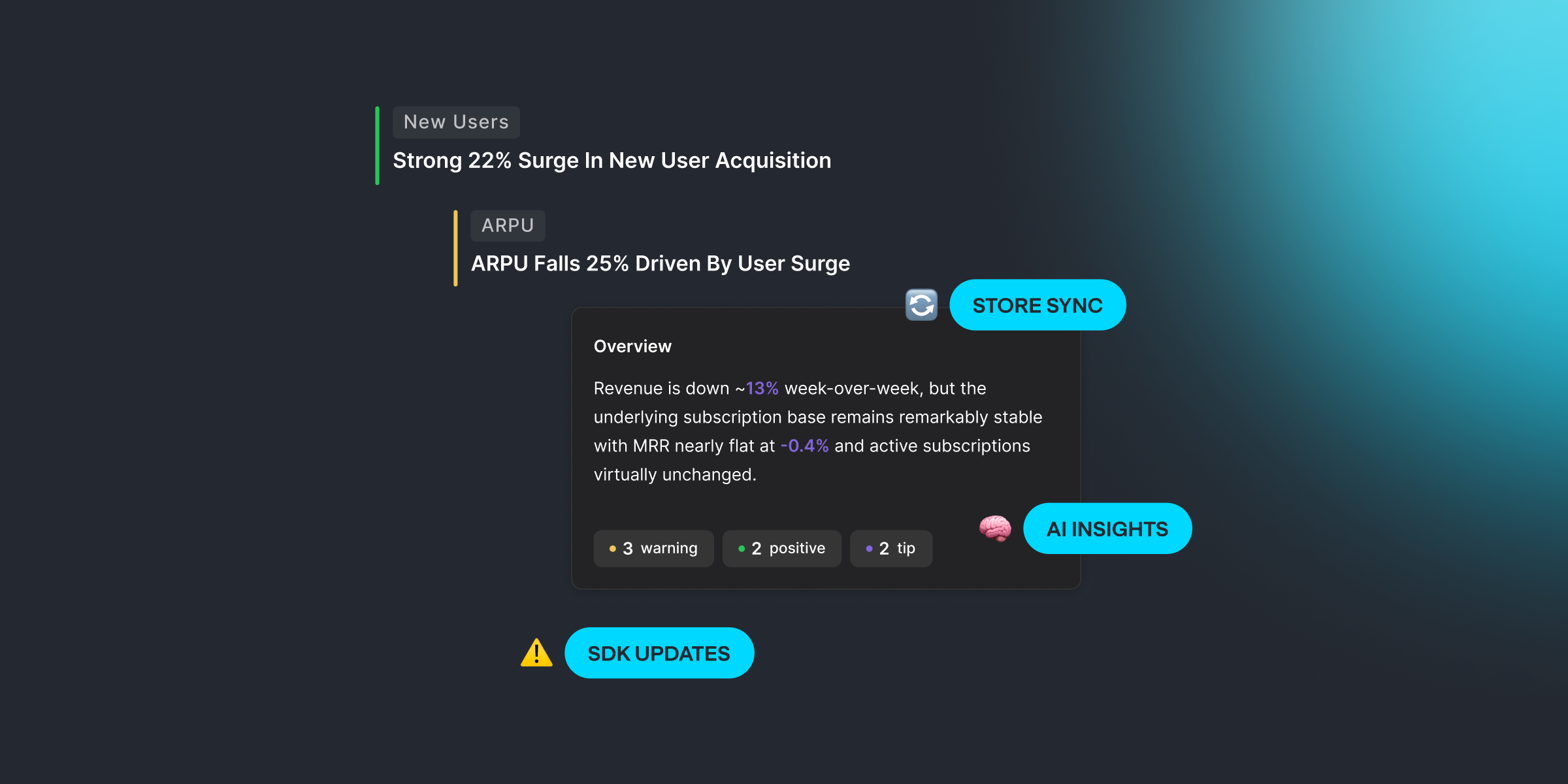
Two big ones this month: AI Insights turns your analytics into plain-language takeaways, and Store Products Sync imports your products from Apple and Google automatically.
Plus important updates for non-consumable products and Google Play revenue reporting.
AI Insights — Your Data, Explained
A new page in Qonversion Dashboard that analyzes your subscription metrics and surfaces what matters.
AI Insights looks at your charts — revenue, trials, conversions, churn — and generates clear, actionable summaries. No more staring at graphs trying to spot the pattern. The system does it for you.
What you get:
- Automatic analysis of your key subscription metrics
- Period selector — choose the time range you care about
- Interactive charts — click any insight tile to open the full chart
- Feedback loop — rate insights to improve future results
This isn't a generic report. It reads your actual data and tells you what changed, what's trending, and what needs attention.
Store Products Sync
Import your products from App Store and Google Play into Qonversion automatically.
No more manual product creation in the Dashboard. Connect your store and Qonversion pulls in your product catalog via API — names, prices, types, all of it. When you add new products in App Store Connect or Google Play Console, sync again and they appear instantly.
Non-consumable Products: Update Required
If you use non-consumable (lifetime) products, update their type in Qonversion Dashboard.
New versions of Google Play Billing require the correct product type to process purchases properly. We've added the Non-consumable (Lifetime) type to Dashboard settings. If your app sells lifetime access or one-time purchases on Android — update the product type now to avoid issues with the latest Android SDK.
Google Play Reduced Service Fee — Fixed
If you're enrolled in Google's Reduced Service Fee program (15% commission), your net revenue in Qonversion was calculated incorrectly — using the default 30% rate.
Fixed. You can now set the Reduced Service Fee period in Android Store settings. Works the same way it already did for iOS.
No-Code Builder Access for Developers
Team members with the Developer role can now create and edit No-Code paywalls directly — no need to request Manager access.
AI Insights reads your data so you don't have to. Store sync handles the imports. And if you use non-consumable products on Android — check your product types.

Kamo
Head of Product at Qonversion
Kamo leads product strategy at Qonversion, shaping the tools that help apps grow subscription revenue.