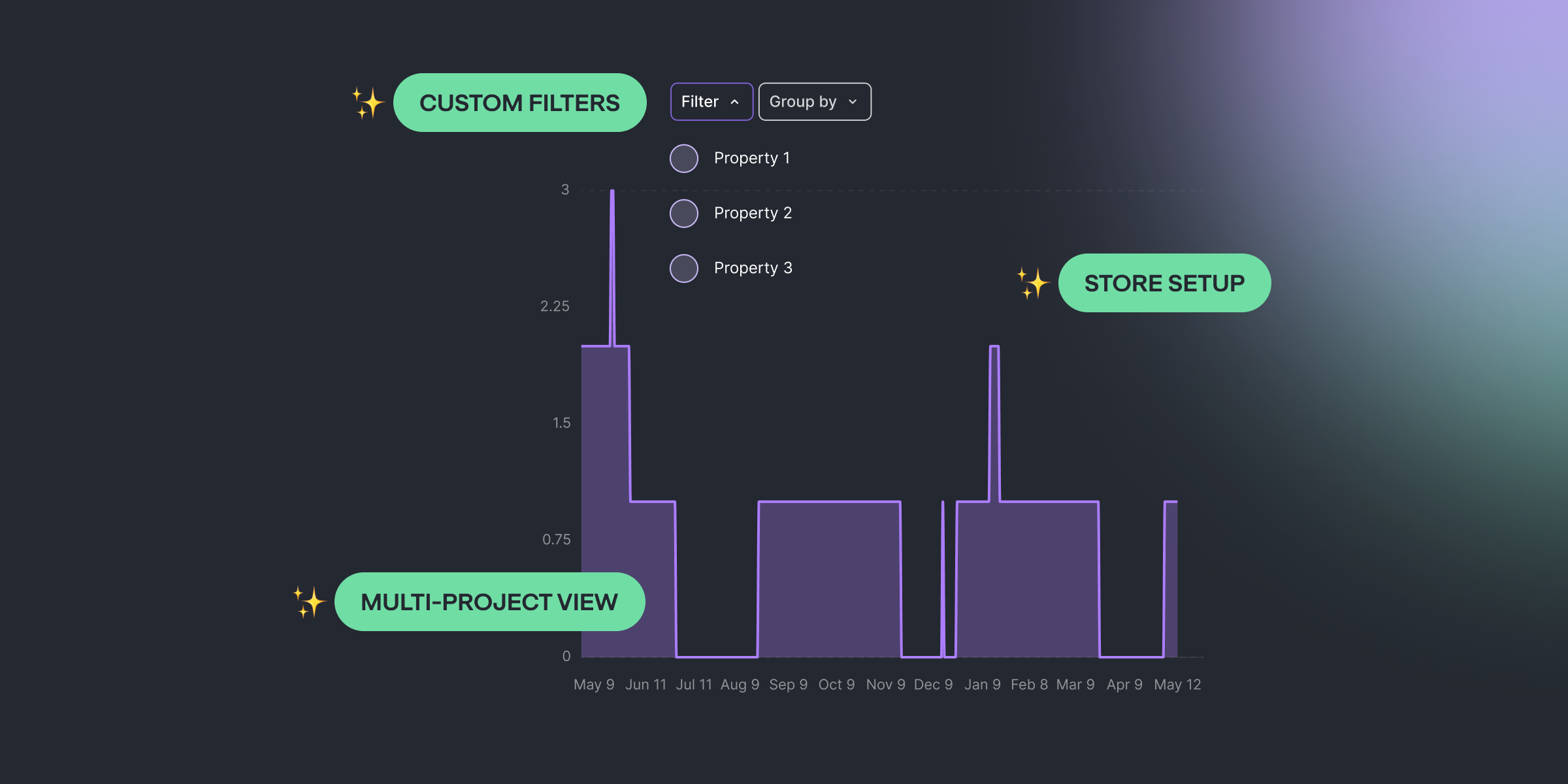
Three drops this cycle. Multi-Project Overview — your whole account rolled up into one screen. Custom-property filters across every chart — any property you push from the SDK is now a first-class dimension on Sales, ARPU, conversions, refunds, and more. Store Setup, redesigned — same setup, cleaner experience.
Multi-Project Overview is Live
Managing more than one project? You don't need 14 browser tabs anymore.
The Multi-Project Overview is now live for every account. One screen with cumulative metrics across every project in your account — Sales, MRR, new trials, new subscriptions, active subscriptions, new users — rolled up into a single view of your whole business.
What you'll see:
- Whole-account view — every project's data combined into one place
- Cumulative headline metrics — Sales, MRR, new trials, new subscriptions, active subscriptions, new users rolled up across projects
- No setup — open the project selector (top-left) and you'll find the overview right under your project list
Custom-Property Filters and Segmentation in Charts
If you push custom user properties from the SDK, this is the cycle you've been waiting for.
Any custom user property you set on a user — plan_tier, signup_source, region, anything — is now a filter and a group-by across every analytics chart in Qonversion. Sales by plan_tier. Refunds grouped by region. Trial-to-paid sliced by signup_source. No new SDK calls. If setUserProperty(...) is already in your app, the charts already see it.
Where it works:
- Every analytics chart — Sales, ARPU, refunds, conversions, trials, experiments — all gain dynamic custom-property filters and group-bys
- Sample-value autocomplete for low-cardinality keys, free-text for high-cardinality ones (the backend decides which)
Store Setup, Redesigned
Setting up a store is the part of onboarding that used to slow people down. Not anymore.
The Store Setup flow has been redesigned end-to-end. Same outcome — connect your store, get your project revenue-ready — but a calmer, clearer experience built around a guided path for new projects and a compact summary for projects that are already configured.
Closing
A solid cycle. Your dashboard now zooms out to every project, your custom user properties finally pull their weight across analytics, and Store Setup feels like the calm onboarding step it should have always been.

Kamo
Head of Product at Qonversion
Kamo leads product strategy at Qonversion, shaping the tools that help apps grow subscription revenue.