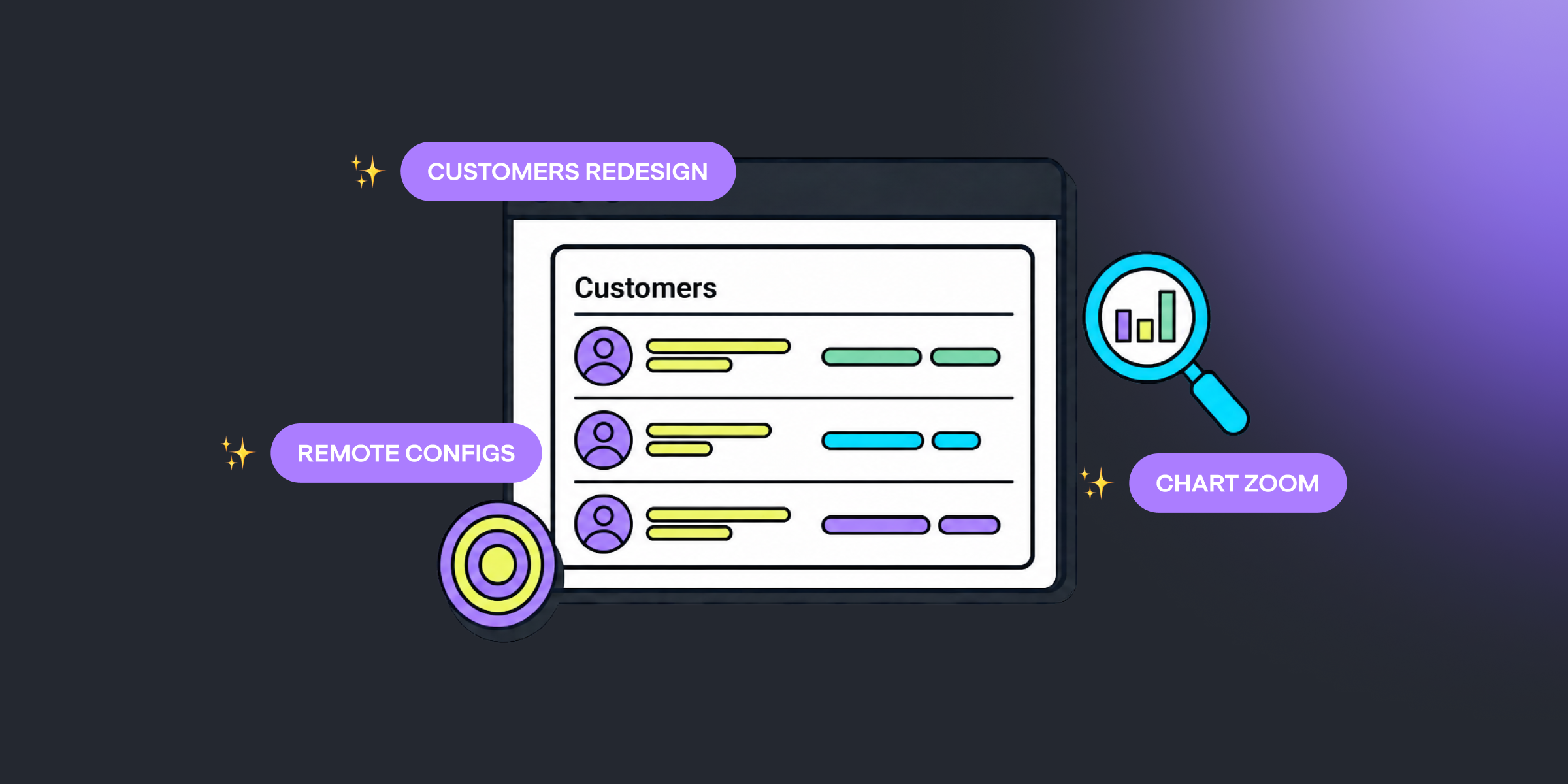
Two sections got rebuilt from the ground up this cycle: Customers and Remote Configs. Plus device-aware targeting and charts you can zoom into.
Meet the New Customers Section
The Customers section has been rebuilt end to end — a cleaner list, a readable profile, and faster answers to "what happened with this user?"
Here's what's new:
- A rebuilt list — search, filters, sortable columns, date presets (including Today and Yesterday), and CSV export
- A clearer profile view — subscription state, purchase history, entitlements, and every tracked event in one place
- Properties where you need them — read them at a glance, click to edit, add new ones inline
- More flexible entitlement grants — pick a duration preset or a custom date, or grant for a lifetime, no expiration required
Same section, same URL — it just works the way you'd expect now.
Remote Configs, Redesigned
Remote Configs got the same treatment. The list now groups configs by context key, and payloads open right in the list — no more digging through drawers.
- Edit inline — the detail page has a proper JSON editor, with previews of attached screens
- Reorder by dragging — need one config to win? Drag it above the others
- Readable rules — dates look like dates, and long rule lists collapse neatly
Sharper Remote Config Targeting
Targeting rules now speak device: OS version, SDK version, language, and device model — with version ranges where they make sense.
And while you build the rules, a live counter shows how many users match — before you publish, not after. The same counter works in Experiments, too.
Drag to Zoom on Any Chart
Curious about a spike? Select it. Analytics charts now support drag-to-zoom — highlight a stretch of any chart to zoom into that range.
The Charts tab also remembers the last chart you had open, and the whole dashboard got a serious speed pass. You'll feel it on the first load.
Other Improvements
- Apple Search Ads report now shows CTR and TTR alongside your other metrics
- The public API now returns Remote Config payload values
Closing
That's the last three weeks: a new Customers section, sharper Remote Configs, and charts you can zoom.

Kamo
Head of Product at Qonversion
Kamo leads product strategy at Qonversion, shaping the tools that help apps grow subscription revenue.