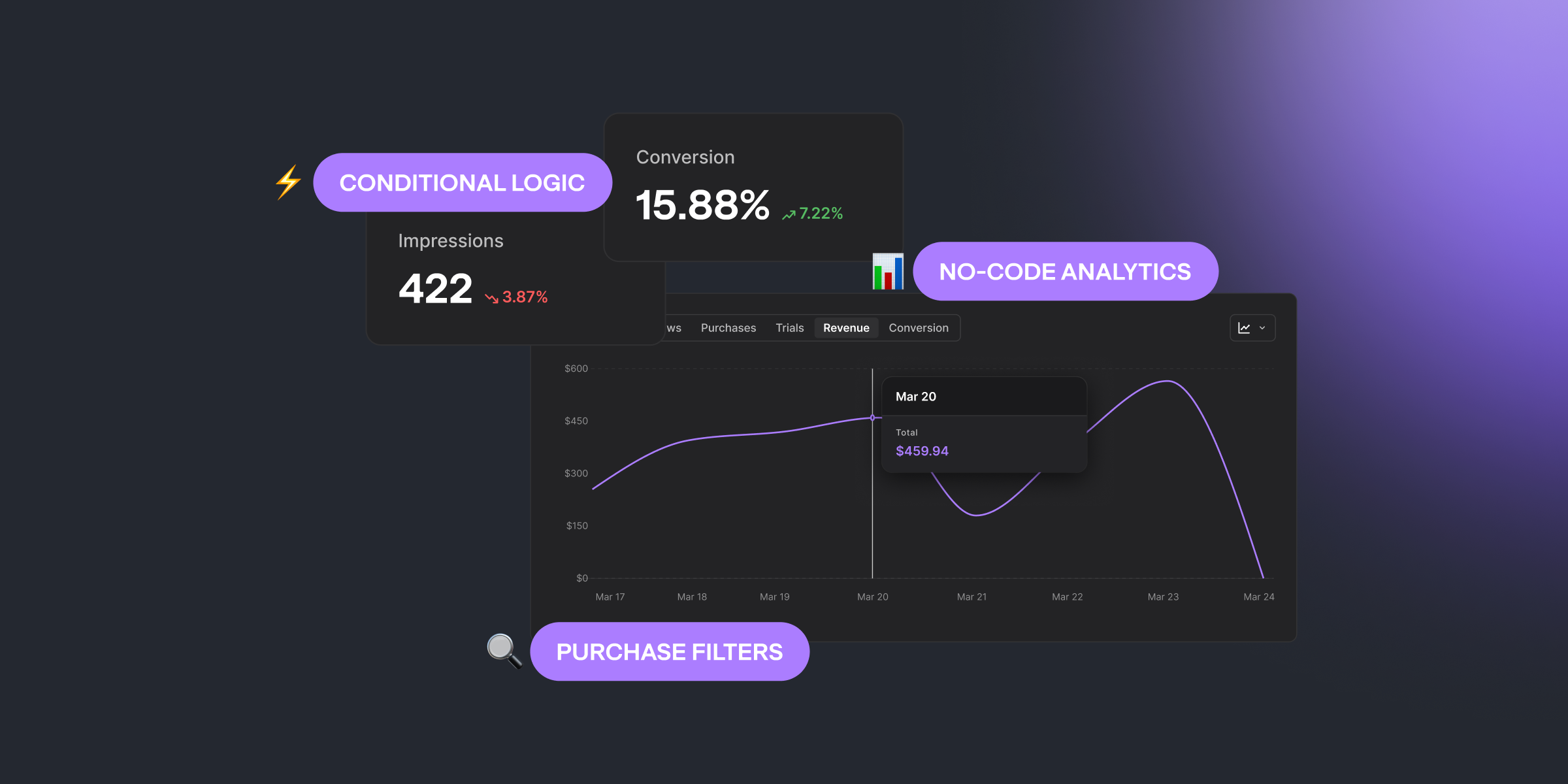
Two major additions to the No-Code Builder this cycle: Analytics shows you how each paywall performs, and Conditional Logic lets you build dynamic screens that adapt to context. Plus new segmentation filters and a completely new project setup experience.
No-Code Analytics (Beta) — Paywall Performance, Built In
You no longer need to leave the Builder to know how your paywalls are doing.
The new Analytics tab — available directly inside each No-Code paywall — gives you real performance data: impressions, conversions, revenue, all in one place. Filter by environment, pick a date range, and see exactly what's working.
What you get:
- Overview metrics — impressions, conversions, and revenue per paywall
- Environment filter — separate production from sandbox data
- Chart visualizations — track trends across any date range
- Screen-level detail — V2 analytics page for individual screen performance
This is in Beta. We're iterating based on your feedback — try it and tell us what's missing.
SDK requirements: iOS 6.7.0+, Android No-Codes 1.6.0+. Other platforms coming soon.
Conditional Logic in No-Code Builder
Build paywalls that respond to context — without writing code.
Conditional logic lets you show, hide, or change paywall elements based on rules you define. Different content for different user segments. Dynamic screens that adapt on the fly. All configured visually in the Builder.
SDK requirements: iOS SDK 6.8.0+, Android No-Codes SDK 1.7.0+. Other platforms coming soon.
Purchase History Filters for Remote Configs and Experiments
Two new segmentation filters: Purchased Product and Last Purchase Date.
Use them to target remote configurations and experiments based on purchase history. Show different paywalls to users who already bought a product, or segment by recency of last purchase. Product values are unified across Active Subscription and Purchased Product filters, so the data stays consistent.
Theme Switcher for Localization Preview
Preview your No-Code paywall text in both light and dark mode — directly inside the Localization tab.
A small addition that saves you from guessing how translated text looks against different backgrounds.
New Getting Started Experience
A completely new Getting Started flow for project setup. Not a refresh — built from scratch with clearer steps, better guidance, and a structured path from account creation to first integration.
If you're adding new projects to an existing account, the new onboarding walks you through every step.
Other Improvements
- Fallback files now support experiments — control groups are included in fallback configurations, so experiments keep working even when the SDK falls back to cached data
- Improved remote config and experiments on Aegis — more reliable handling of remote configurations and experiments on our backup infrastructure
No-Code Builder keeps getting smarter — analytics, conditional logic, and better previews all landed this cycle. Plus new segmentation filters and infrastructure improvements for remote configs and experiments.

Kamo
Head of Product at Qonversion
Kamo leads product strategy at Qonversion, shaping the tools that help apps grow subscription revenue.