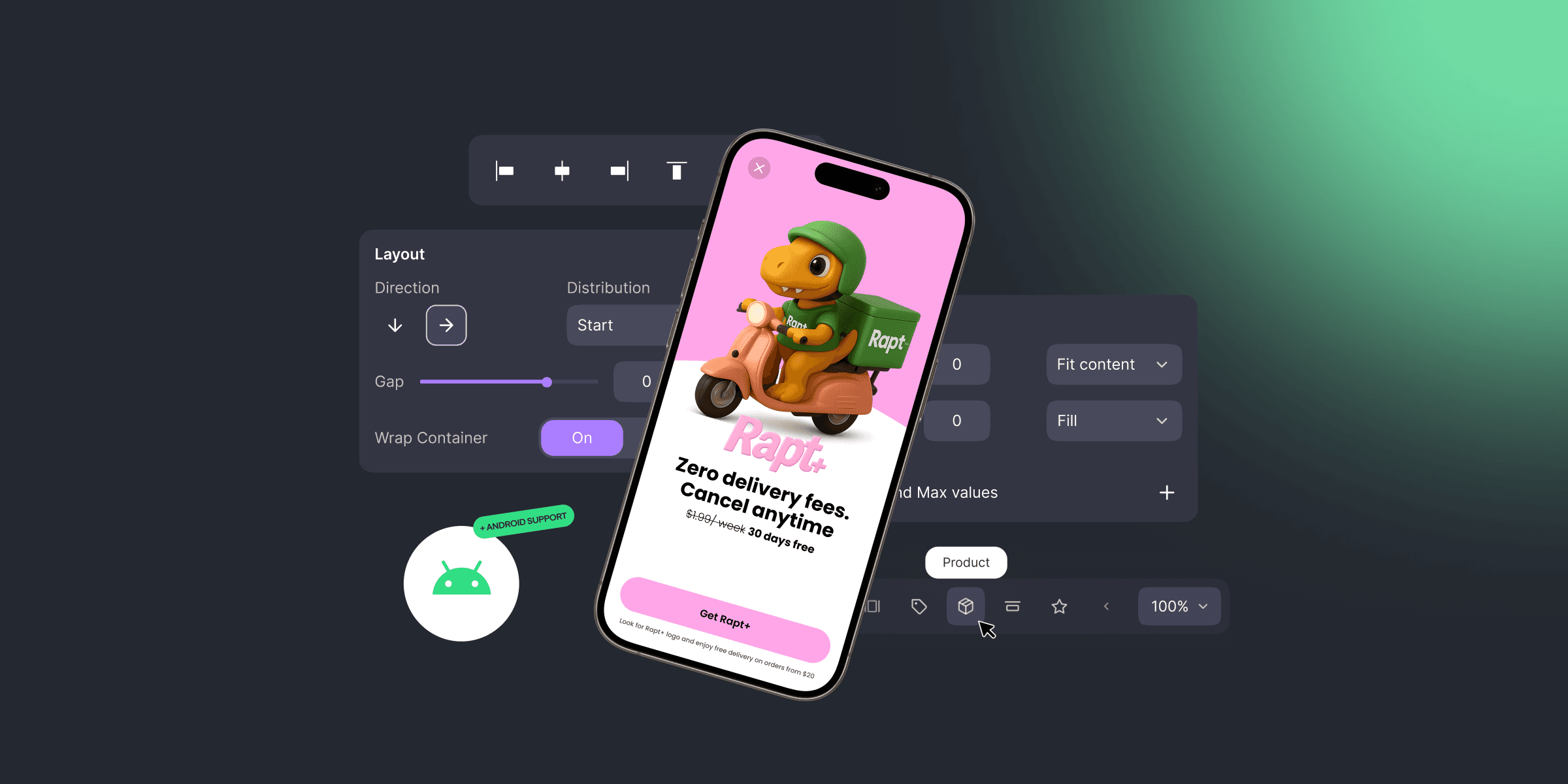
Here’s what’s new:
- Sliders, carousels & 15+ templates
- Full visual refresh + redesigned default components
- Android support
- New Getting Started guide
- Bonus: Full Product API access
Let’s dive in 👇
What’s new in the Builder
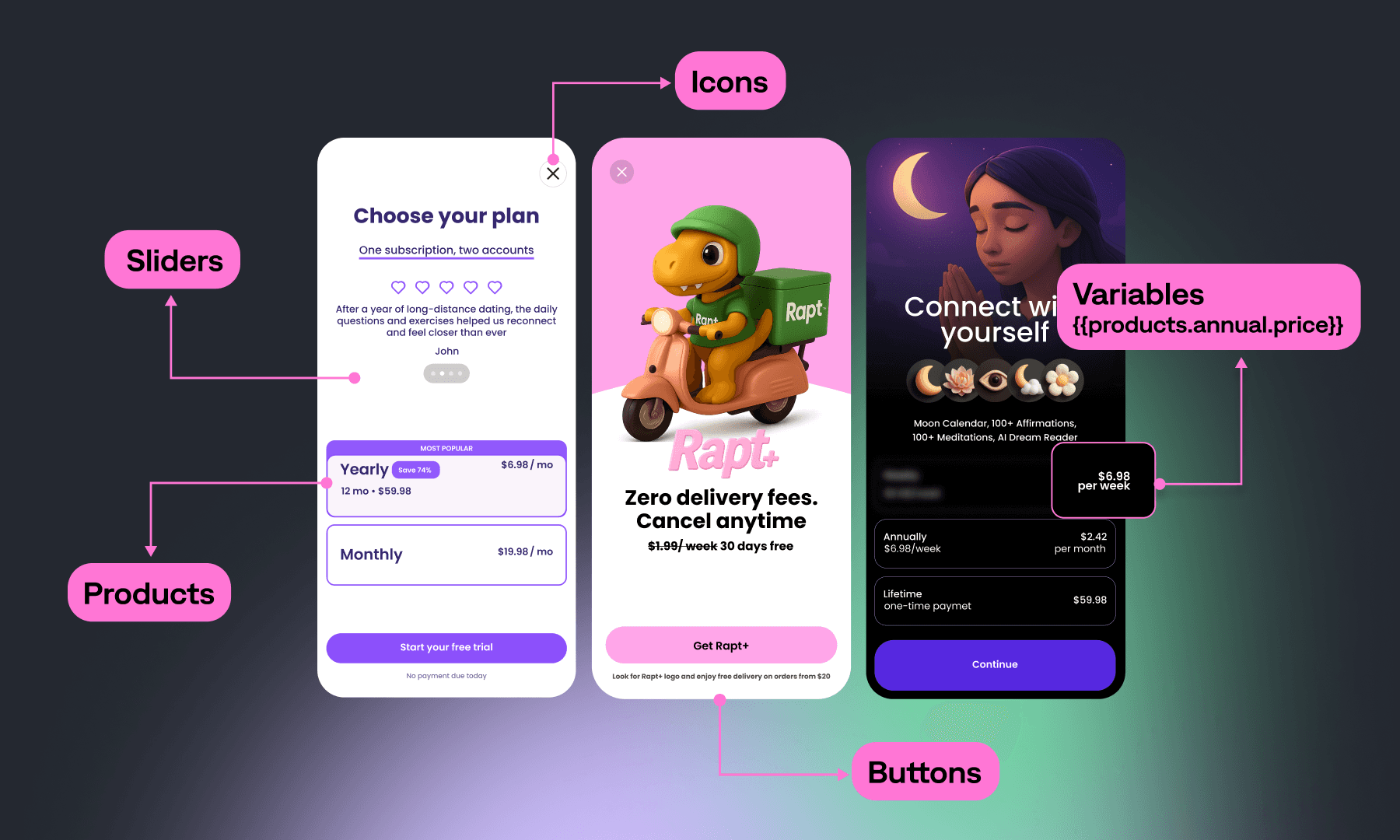
- Sliders: Bring your paywalls to life with swipeable, interactive elements
- 15+ ready-to-go templates: From elegant to bold — pick a layout, tweak the content, and go live
- Containers, buttons, icons: Modular layout building blocks for total creative freedom
- Redesigned default components: Every element now looks great right out of the box — clean, modern, and ready to use
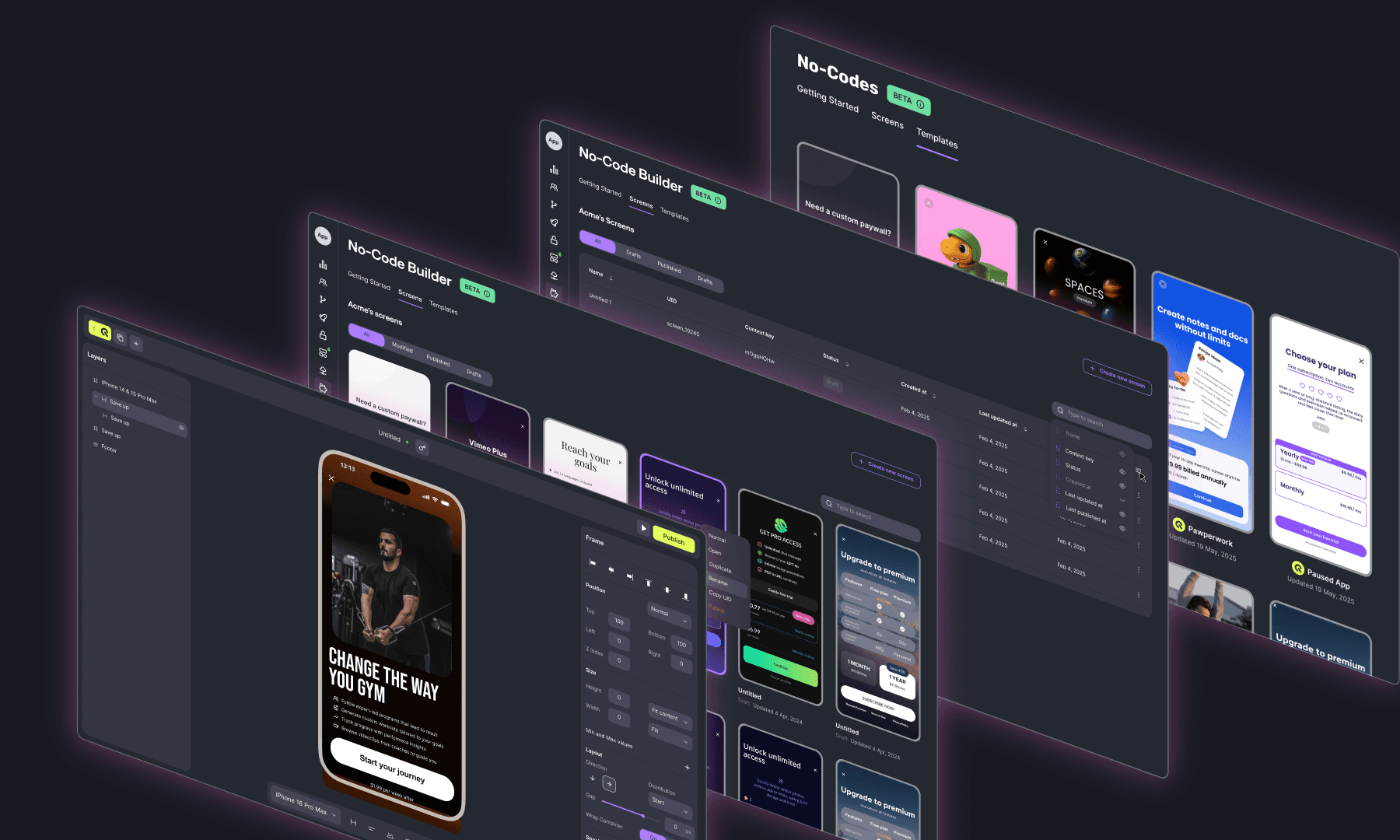
New look. Smoother workflow.
- Complete visual refresh: The entire No-Code Builder UI has been rethought — now cleaner, faster, and more intuitive
- Redesigned Screens & Template Gallery: Easier to browse, organize, and preview your creations
- All-new Getting Started Guide: A clear, step-by-step flow to help you integrate and launch in minutes — even if it’s your first time
Now with Android support
Our Android SDK is now live, allowing you to build once and deploy on both iOS and Android
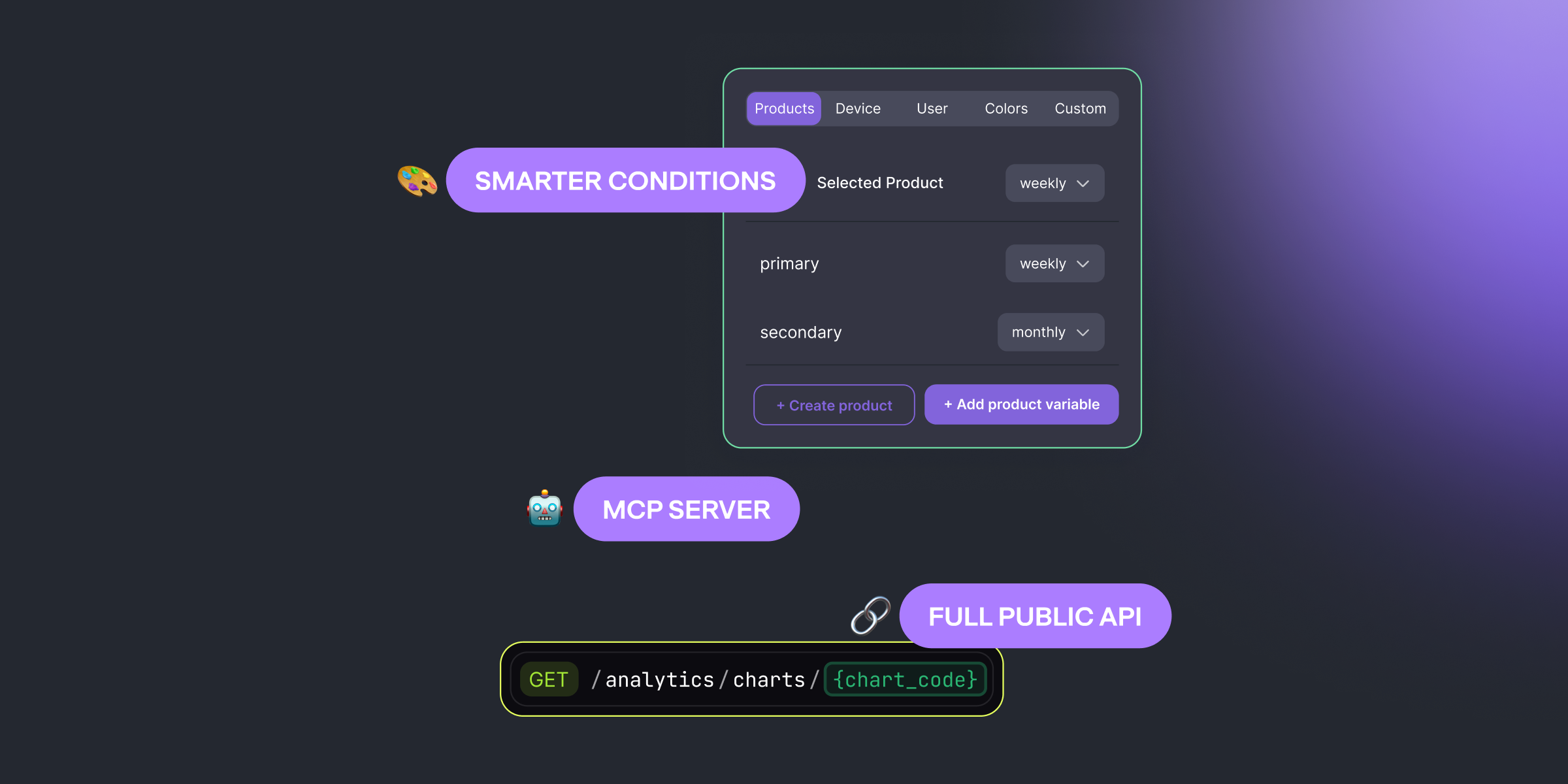
New: More power with Product API
Working with products just got a whole lot easier — we’ve added full Product Management API support:
GET /products — fetch all your productsGET /products/{id} — fetch a specific productPOST /products — create new products programmaticallyPUT /products/{id} — fully update a productPATCH /products/{id} — update specific fieldsDELETE /products/{id} — remove a product from your setup
Whether you’re syncing with your internal tools or building workflows, it’s all possible via API.

Polina
Product Marketing Manager at Qonversion
Polina leads product marketing at Qonversion, helping app developers understand monetization best practices.