An AI agent can take the heavy lifting off your Apple Ads (formerly Apple Search Ads) account: read every campaign, rank keywords by paying users, draft bid and budget changes, and hit the brakes when spend spikes. The real question is where its work ends and your yes begins. Draw the line well and you get an analyst who never tires of keyword tables. Draw it badly and it pauses your best keyword. This guide shows where the line goes, what the agent should read before it proposes anything, and what an approval request should show you.
What it reads matters as much as what it may touch: a keyword with $7.50 installs can bring paying users at $75 each, while one with $3 installs costs $120 per payer (illustrative numbers, table below). An agent that sees only installs proposes pausing the wrong one.
Agents already work in live accounts: Apple's API lets third-party services write to an account, and open-source MCP servers pause keywords and move bids through it.
What can an AI agent safely do in Apple Ads without asking?
Everything that reads, and nothing that moves money or traffic: bids, budgets, resuming and pauses wait for your yes, with one exception, an emergency brake on a spend spike. Reading means pulling reports, comparing campaigns, ranking keywords by paying users and preparing the list of changes. Changing the account is a different job. Even a pause, the gentlest write, stops traffic, and on your best keyword it quietly cuts paying users. So pauses go on the list you approve, like every other change. One developer built an open-source MCP server that way: "every write goes through a preview a human approves", pauses included.
The exception is an emergency: a day when spend runs far above normal. Your daily budget is the first brake. On Apple Ads one day can run over it, but the month's daily average can't. If you want a faster one, let a rule pause a keyword only on a day far above its usual spend, and only after checking that it doesn't bring paying users, so a strong day isn't mistaken for a leak. A good brake isn't trigger-happy, and a person reviews it the next day. Performance pauses are a different animal: they read paying users over closed cohort windows, so their data is days or weeks old and waiting for you loses nothing. Have the agent hand you the list.
Which Apple Ads changes should wait for a human to approve?
All of them: pauses, resuming, every bid change and every daily-budget change, decreases included. An increase spends money; that part is obvious. A decrease is sneakier: lower the bid on your best keyword and paying users drop quietly, and nobody notices until the cohort closes. A daily budget cut below what the campaign already spent that day even stops it serving until the next day. The same goes for target CPA in Maximize Conversions campaigns and for ad-group default bids.
So the agent becomes an analyst who prepares changes, and you stay the one who signs. Approve hundreds of bids a week and "yes" turns into a reflex, so review the list in one sitting. Better still, let it bring revenue and payers per keyword into the same list, so you see which keepers actually pay.
What should an approval request show before you click yes?
The value before and after, the agent's reason, enough context to judge it, and exactly what Apple would receive. "Lower bid on 'habit tracker' to $1.20?" isn't a request, it's a blindfold.
What a good request carries:
- The value before and after, in the account's currency, with the size of the move (×1.5, −40%). For a daily budget, add the monthly size: Apple says monthly spend "won't be more than your daily budget times" 30.4 days. So +$50 a day is up to +$1,520 over a full month (our calculation from Apple's rule). Approve the month, not the day.
- The metric behind it, with its window and volume. "CAC D7 $72" means nothing without "closed windows only, installs from October 1–13, 14 payers".
- What the data doesn't cover. Whether the period is still open, whether Apple data is missing, and how much spend sits in a row with no attributed installs. A blank cell there is a missing value, not a zero.
What is the worst an agent can do on its own?
With these rules, very little: it can't raise spend or cut traffic without you, as long as the approval comes from a person and not from the agent's own next call. The risk doesn't vanish. It moves to your yes: a pause list you sign unread does the same damage, just with your name on it.
A pause doesn't always lower spend, either. If the campaign was spending its full daily budget, the rest of it can spend that budget instead: the same spend, fewer payers. After a pause, check the campaign's CAC, not just its spend.
Pauses are usually the least limited action, because they have to work at once. That cuts both ways: a rule that misfires overnight can pause hundreds of keywords before anyone looks, and a campaign pause takes the whole campaign off (Apple notes some ads may keep running for a few hours). Roll a large mistake back in the Apple Ads console.
Negative keywords, if your tool adds them, deserve the same suspicion: they cut volume just as quietly, and nothing in your spend flags it. Add them in small batches and watch the ad group's impressions over the next days.
Spend limits don't catch that. Reading paying users first, or handing you the list, does.
Why does a pause rule need revenue data, not installs?
Because the cheapest install and the cheapest paying user are often different keywords. Apple Ads reporting stops at the install (taps, installs, CPA), and its Maximize Conversions strategy is designed for "the most tap-through installs at a target CPA". Trials, subscriptions and renewals live in your app's data. An agent that reads only the console will cut the keywords that look expensive at the install.
Illustrative numbers:
| Keyword | Spend | Installs | CPA | Payers by D30 | CAC D30 |
|---|---|---|---|---|---|
| A | $1,200 | 400 | $3.00 | 10 | $120 |
| B | $1,200 | 160 | $7.50 | 16 | $75 |
A rule "pause anything with CPA above $6" pauses B, the cheapest source of paying users in the table. Cheap installs, expensive rule. If one keyword brings annual subscribers and another weekly ones, compare ROAS instead of payers.
Payers per keyword are small numbers, and small numbers are easily fooled. Require a minimum before a revenue rule pauses anything, for example at least 30 attributed users in the window, and treat a CAC built on fewer than 3 payers as not enough data; zero payers means something only from around 100 users. Payers are also attributed, not incremental: brand keywords usually look cheapest, so give brand, generic and competitor keywords separate rules. Search Match traffic carries no keyword in the attribution data, so judge it by ad group.
Revenue data has its own trap: young cohorts. A rule like "pause keywords whose CAC D7 since Monday is above $80" reads installs whose D7 window hasn't closed yet, so almost every keyword looks worse than it will. Ask for closed windows: a D7 value should count only installs whose seven days are over, plus a few days' margin for late events. And pick a window that ends after your trial converts: with a 7-day trial, even a closed D7 is too early, so use D14 or D30.
Where do an agent's safety checks go blind?
Where the tool can't see the current value or the result: on its first change to a campaign, ad group or keyword, after a console edit, and after an error. A good write tool refuses a change when the agent's before-value is stale, but it can only compare against values it has seen.
- The first change. With no confirmed history, a cap like "no more than 3× in one change" has nothing to multiply.
- Console edits. If a teammate changed a bid in the console an hour ago, a tool that only remembers its own changes will overwrite it.
- Unknown outcomes. A timeout doesn't mean the change failed. Check the live value in the console before a retry, or the change can apply twice.
Success can mislead, too. A developer of an open-source Apple Ads MCP server wrote that the first real write "reported success and changed nothing": the ad group ran on an automated bid strategy, which discarded the keyword bid. Don't send keyword bids to Maximize Conversions campaigns: Apple says "you can't add or manage keyword bids" there.
So make the first change on any keyword or campaign a small step, and after every write re-read the live value.
Whose permissions should the agent use in Apple Ads?
A named person's, with its own write permission. A shared API key is an alibi: it hides who changed what. Reading and writing should be separate grants, so an agent that only answers questions can't spend money, and the permission should be re-checked on every change, so revoking access takes effect on the next call.
The approval should come from a person in your MCP client's prompt, not from the agent's own reply. If your client offers "always allow", keep it off for the tool that confirms changes.
On Apple's side, give third-party services the narrowest role that does the job: Limited Access can be scoped to specific campaign groups, and you can revoke an approval at any time. One catch: each admin can authorize one third-party service per account at a time, so an MMP or bid tool that admin already connected may have to make room.
How does Qonversion's MCP server handle Apple Ads changes?
With Qonversion's MCP server, your agent works where your revenue lives. It sees paying users, ROAS and CAC next to Apple Ads spend, down to the keyword, so it judges a campaign by who paid, not who installed. Bids, budgets and resuming wait for your yes. Pauses run at once, so keep your MCP client's permission prompt on for them too. And the agent only acts when you run it. The setup and the safety details are in the docs.
What to check before you give an agent write access
Eight checks, whichever agent or tool you pick:
- 1. Reading and writing are separate permissions, and writing is tied to a named person.
- 2. Pauses, resuming, bids and budgets wait for a person's approval, up or down, never the agent's own. Only an emergency brake on a spend spike runs alone, and a person reviews it the next day.
- 3. Every approval shows the value before and after, the metric with its window, and exactly what Apple would receive.
- 4. One change touches one campaign, ad group or keyword, and one change can't multiply a value past a cap.
- 5. Pauses, and negative keywords if the tool adds them, are decided on paying users and revenue over closed windows and above a minimum volume.
- 6. Changes come from one place, or the live value is re-read before each one and checked after.
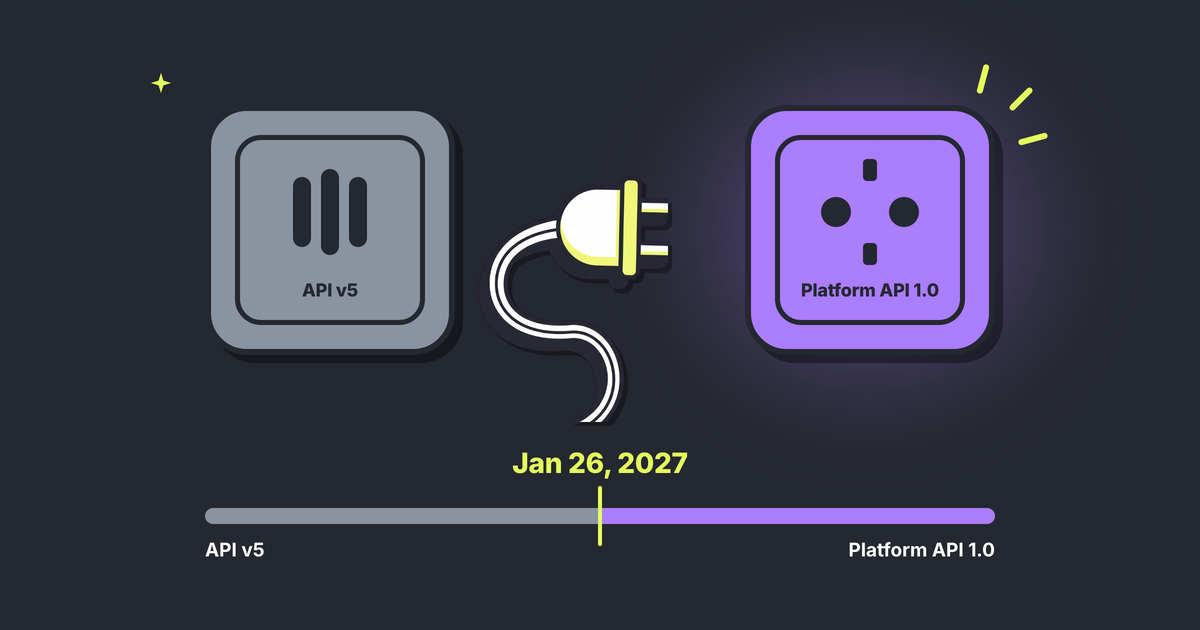
- 7. The tool is on Apple's current API. Apple is retiring Campaign Management API v5 on January 26, 2027.
- 8. Every change is logged with before and after values and an ID you can quote.
Then start small: read-only questions first, then pause lists you review, then single changes you approve. Where it lands is a morning desk, not an autopilot. One practitioner, @i_Kisliy, has agents pull Meta, Google Ads and Apple Ads every day; by 11 a.m. the proposals are waiting, and each gets "approve/hold/reject". For your first week: one revenue question a day, one pause list to review, one bid approved with its before-value in view.
Connect MCP and ask your agent which keywords with at least 100 attributed users and a closed D30 window brought no paying users: your first pause list to review.
No Qonversion account yet? Sign up, connect Apple Ads for spend and keyword names, and add the SDK's Apple Ads attribution call for paying users per keyword. The window above starts at whichever of the two comes last: spend is recorded from about the time you connect, attributed users from the release that ships the call. The first closed D30 lands about five weeks after that, so ask for a closed D14 until then.

Vlada
Marketing Manager at Qonversion
Vlada drives marketing initiatives at Qonversion, connecting with the mobile app community.