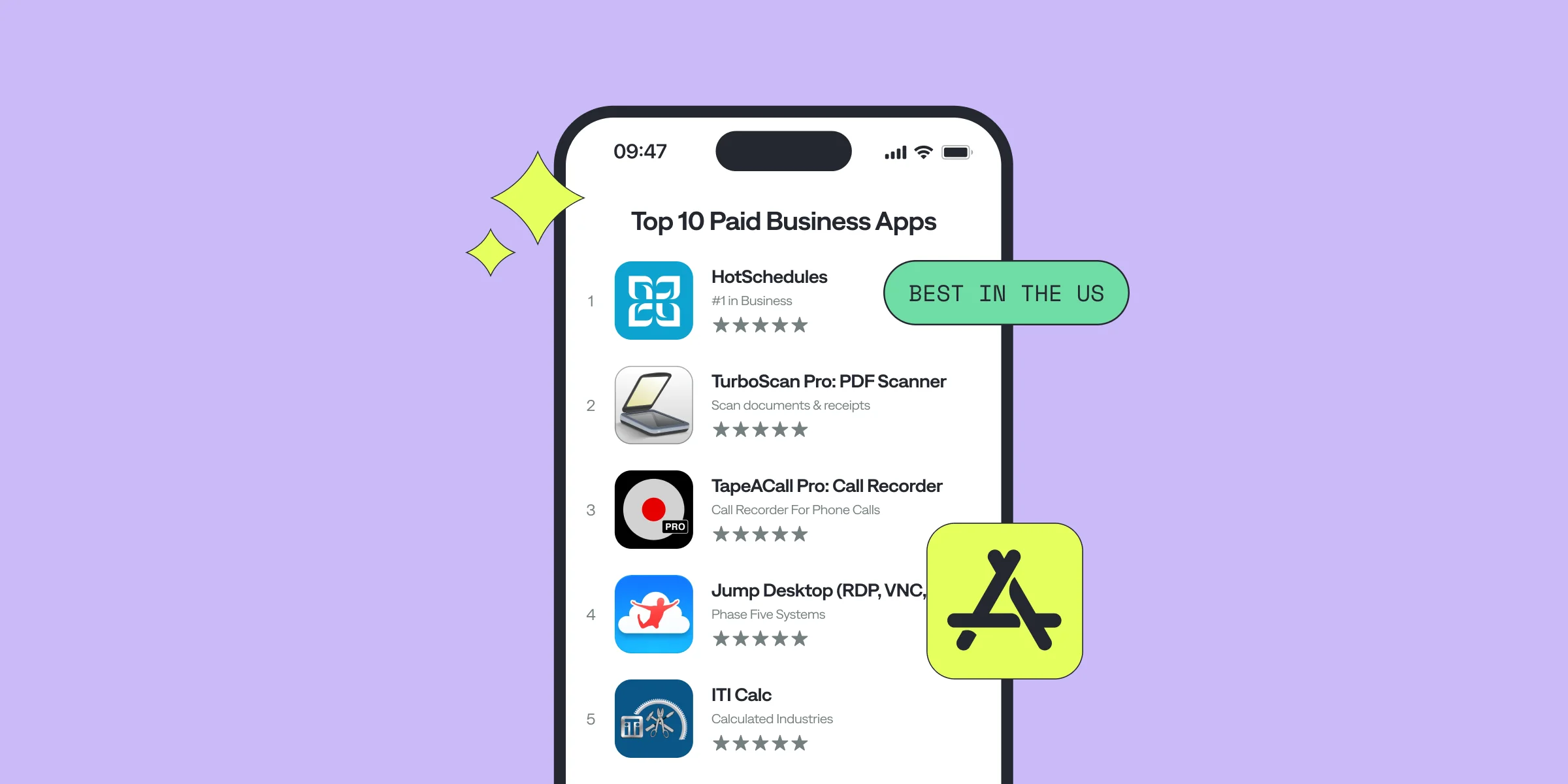
Are you thinking about building a business app for iPhone but unsure where to begin? Whether you're a developer or an app marketer trying to break into the business category, there’s a lot to consider.
In this article, we’ll explore 10 paid business apps on the US App Store. We’ll examine what makes these apps successful and the potential improvements you can bring to the table to craft the next big thing in business software.
Why Build a Business App?
A couple of years ago, we've assembled a useful list of top 100 subscription apps. Now we've decided to go into categories and see what works for each.
The business app market is experiencing massive growth, driven by remote work and riting AI technologies. There is an increasing need for tools that simplify day-to-day operations, boost productivity, and enable remote work from document scanning to employee scheduling.
Business apps are often a profitable category, generating significant revenue through paid downloads, in-app purchases, and subscription models. But what types of business apps are currently making waves?
The types of Business Apps
Certain categories tend to perform particularly well in the business sector, based on current trends:
Remote Access/Work Tools: With the rise of remote work, free and paid remote collaboration tools are increasingly in demand. These apps allow users to stay connected with their workstations from anywhere, making remote work more efficient and secure.Productivity Enhancers: Time management, task organization, and invoicing apps are essential for business users looking to streamline their workday. Apps that can automate repetitive tasks or enhance workflow efficiency are highly valued.Automation and Analytics: Business process automation tools and apps that provide data insights are becoming indispensable. By offering users the ability to automate tasks and access real-time analytics, these apps help businesses make smarter decisions.Security: With the increasing importance of digital privacy, apps that focus on business security—such as password managers or secure cloud storage solutions—are growing in popularity. These apps provide a safe environment for businesses to operate and store sensitive information.
Now let's dive into some apps that got up to the top of Business Category in the US App Store. We looked into the app downloads, the ratings, user reviews and the monetization model of each app but please not that this list can vary from what you see on App Store's top picks based on your location and search date.
Top 10 Business Apps for iPhone
1. HotSchedules

Price: $2.99
Rating: 3.8/5 with 18.1K Reviews
What’s It About?HotSchedules is an employee scheduling app that simplifies shift management for both employees and managers. Team members can swap, pick up, or release shifts with one click, while managers can build schedules, approve changes, and track performance. It syncs with calendars and sends notifications for schedule updates.App Insights for Developers
While HotSchedules is appreciated for its core scheduling features, frequent complaints include glitches, crashes, and syncing issues. For a business app focused on team coordination, seamless functionality and real-time syncing are crucial. Developers aiming to create something similar should prioritize smooth performance and continuous updates to resolve user issues quickly.
2. TurboScan Pro: PDF Scanner

Price: $9.99
Rating: 4.9/5 with 127K Reviews
What’s It About?TurboScan Pro turns your iPhone into a mobile scanner, capturing high-quality scans of documents, receipts, and notes. It supports PDF and JPEG formats and offers easy tools for editing, saving, and sharing. With advanced features like edge detection and multipage handling, it’s a popular choice for professionals on the go.App Insights for Developers
Users love TurboScan for its intuitive interface and high-quality results. To build a winning app in this category, focus on speed and ease of use. Features like automatic document detection and quick sharing are essential, and the app’s success proves that performance matters more than flashy extras.
3. TapeACall Pro: Call Recorder

Price: $10.99
Rating: 4.5/5 with 18.3K Reviews
What’s It About?TapeACall Pro allows users to record both incoming and outgoing phone calls with no time limits. It’s perfect for interviews, legal purposes, or detailed record-keeping, offering options to manage and share recordings through cloud platforms like Google Drive and Dropbox.App Insights for Developers
TapeACall has a loyal user base, but occasional bugs and glitches with updates are a concern. If you're planning to build an app in this space, focus on reliability and simplicity. Recording apps need to work flawlessly in critical situations, so investing in frequent updates and strong support is essential.
4. Jump Desktop (RDP, VNC, Fluid)

Price: $14.99
Rating: 4.6/5 with 1.5K Reviews
What’s It About?Jump Desktop is a remote desktop app that enables users to connect securely to any computer. It supports multiple monitors, multitasking, and Bluetooth keyboards, offering seamless remote access for professionals. It’s optimized for iPad Pro, making it a popular tool for remote workers.App Insights for Developers
The app is praised for its speed and functionality, but some users mention connectivity issues. Remote desktop apps need to ensure stability, particularly for business use. If you're developing in this space, prioritize encryption and smooth multitasking features to appeal to business professionals who rely on secure and fast connections.
5. ITI Calc

Price: $24.99
Rating: 5.0/5 with only 4 Reviews
What’s It About?ITI Calc is a specialized calculator for construction workers, particularly in the Sheet Metal HVAC, Plumbing, and Carpentry trades. It mirrors the functionality of a handheld calculator, offering quick and precise calculations required on job sites.App Insights for Developers
With a humble number of reviews but a considerable number of downloads, ITI Calc proves that niche apps can thrive if they solve a specific problem well. For developers, the takeaway is to focus on simplicity and precision. Understanding your target audience's unique needs is essential in creating an app that truly serves them.
6. Genius Scan Enterprise - PDF

Price: $49.99
Rating: 4.9/5 with 16.7K Reviews
What’s It About?Genius Scan is a document scanner that allows users to scan, organize, and export documents as PDFs. With OCR text recognition, automatic document detection, and advanced export options, it’s a comprehensive tool for professionals.App Insights for Developers
Genius Scan’s stellar ratings reflect its reliability and regular updates. For those building a business app, focus on ensuring ease of use and offering premium features like cloud integration. Consistent updates and attention to user feedback are key to maintaining high user satisfaction.
7. JotNot Scanner App Pro

Price: $6.99
Rating: 4.9/5 with 29K Reviews
What’s It About?JotNot Scanner Pro converts your iPhone into a mobile scanner, allowing users to scan and convert documents into PDFs. With automatic edge detection and multi-page scanning, it ensures clear and professional scans, which can be shared easily via email or cloud services.App Insights for Developers
JotNot’s reliability and ease of use make it a hit with users. For developers, the lesson is clear: focus on accuracy, quick processing, and integration with cloud platforms. Apps that simplify professional tasks while maintaining quality will always find a strong user base.
8. Audio Memos

Price: $0.99
Rating: 4.4/5 with 320 Reviews
What’s It About?Audio Memos is a professional voice recording app featuring high-quality sound, cloud storage options, and advanced tools like voice activation and audio editing. It’s ideal for meetings, interviews, and lectures, offering iCloud syncing and background recording.App Insights for Developers
Users appreciate Audio Memos' intuitive interface, though some have experienced minor recording issues. If you're developing a voice recording app, focus on sound quality, seamless syncing, and stability. In this category, reliability is key—users can’t afford to miss crucial moments due to glitches.
9. ScanBizCards

Price: $0.99
Rating: 4.6/5 with 13.8K Reviews
What’s It About?ScanBizCards allows users to quickly scan business cards, with accurate OCR technology and the ability to export contacts to CRMs like Salesforce and HubSpot. It’s a valuable tool for salespeople and networkers who need to manage contact information efficiently.App Insights for Developers
ScanBizCards’ high rating reflects its accuracy and helpful integrations. Developers entering the CRM space should focus on seamless functionality, ensuring that the app easily syncs with external platforms. Users value apps that save them time and minimize manual data entry.
10. Logo Creator & Maker

Price: $0.99
Rating: 4.8/5 with 4.2K reviewsDescription: Logo Creator & Maker allows users to design professional logos, posters, and flyers with an intuitive interface. It offers a vast library of pre-made templates, fonts, and customization tools to adjust colors, gradients, and shadows.Insights: The app is praised for ease of use, flexibility, and high-quality results and people are ready to pay $29.99 for a premium yearly subscription.
Key Takeaways from the Top 10 Paid Business Apps
In this roundup of top business apps, we’ve noticed a significant demand for scanning and voice recording tools, indicating that professionals continue to seek apps that enhance documentation and communication.
Additionally, the shift management app that topped our list, HotSchedules, currently holds a unique position in the US market with few competitors at the top. This presents an opportunity for developers looking to break into this space of B2B apps by building other solutions for workforce management.
And sure enough, after reviewing these top business apps, it’s clear that usability, reliability, and regular updates are essential not only for the App Store Reviews but also for preventing churn and keeping users happy.
Next Steps: Bringing Your Business App to Life
Now that you’ve learned from the best, it’s time to apply these insights. Building a business app requires careful planning, continuous updates, and attention to user feedback.
When it comes to managing your app’s revenue and subscriptions, platforms like Qonversion can help streamline the process. We handle subscription management, analytics, and revenue growth so you can focus on what matters most — building the best app possible.
Once you publish you app to the App Store, learn how to utilize Apple Search Ads so that your app crawls to the top of user searches. And as always, let us know if you need any help setting up your in-app purchases.

Tatev
Content Manager at Qonversion
Tatev creates content that helps mobile app developers optimize their subscription strategies.