You work hard to grow your app, retain users, and predict revenue, sometimes only to watch it leak away to unjustified refunds. You may even come to terms with the fact that refunds eat up a fixed percent of your app’s revenue. The good news is that there’s finally a hands-off solution for iOS apps to put you back in control.
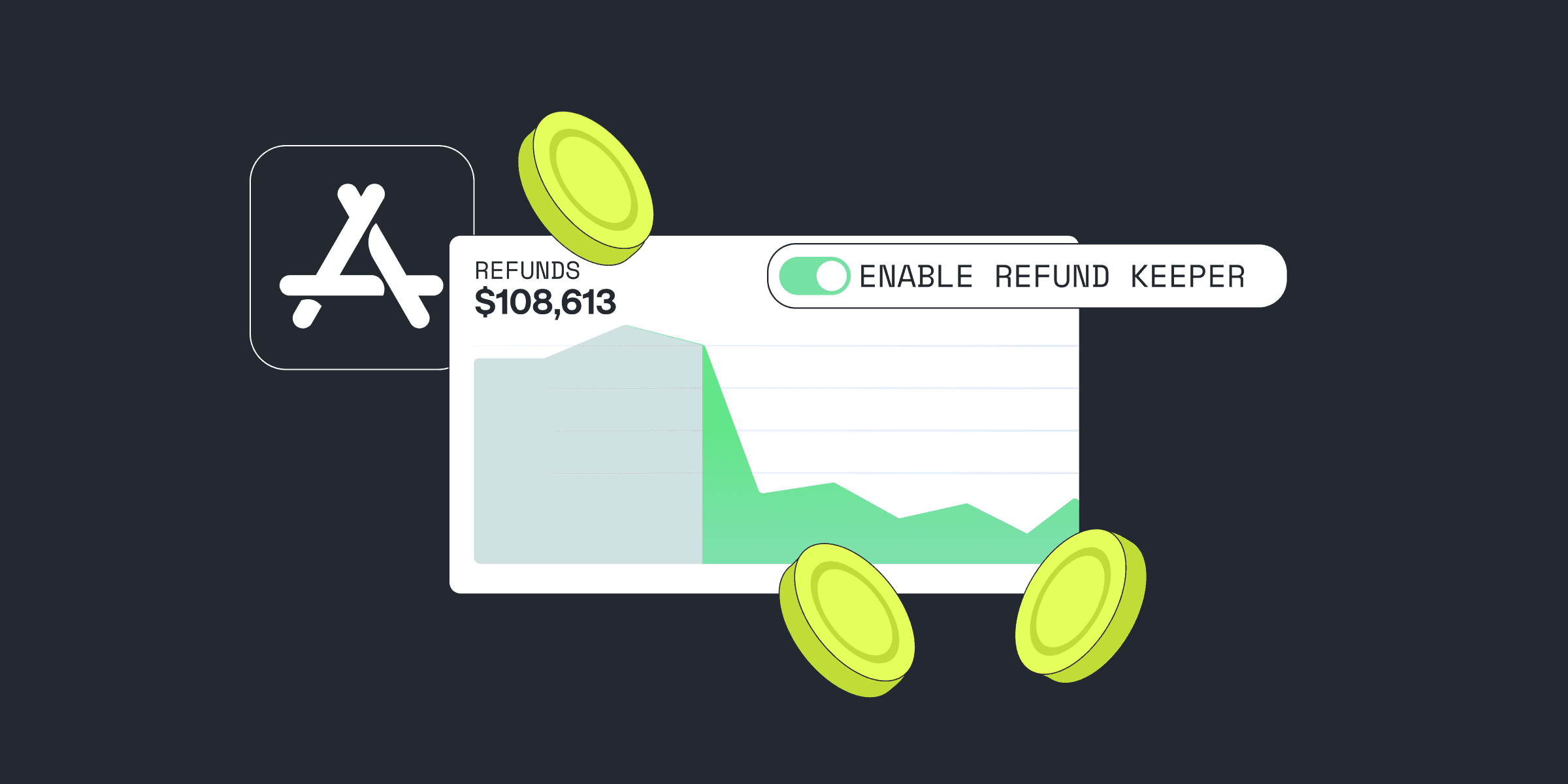
Meet Refund Keeper, Qonversion’s new set-it-and-forget-it feature that helps you automatically respond to Apple refund requests with real app usage data. It can cut your refund rates by up to 50% — without you lifting a finger.
In this guide, we’ll break down what subscription refunds really mean, how to handle the ones that make sense, and how to stop losing money on the ones that don’t. By the end, we hope you’ll have the Refund Keeper up and running and your revenue back on track.
How to Handle Refunds?
Refunds in the context of subscription apps typically fall into two main categories:
- Justified refunds occur when users face genuine issues, such as accidental purchases, billing errors, crashes, feature limitations, or unmet expectations.
- Unjustified refunds happen when users take full advantage of the service and request a refund (often right before the billing period ends) without a legitimate reason.
Both types require attention and care. Handling refunds well can make or break your bottom line.
For justified refunds, the goal is to create a smooth, transparent process that preserves user trust. Here are a couple of things you can do:
- Build an FAQ that helps users understand how to request a refund through official channels.
- Proactively monitor support tickets and app store reviews for signs of poor experiences.
- Offer partial credits or extensions instead of refunds when appropriate.
- Use automation to handle routine refund-related queries, freeing your team for complex cases.
For unjustified refunds, your focus should be on prevention and data:
- Make sure your onboarding explains value clearly so users know what they’re paying for.
- Use friction-reducing UX patterns such as progress tracking, usage badges, or streaks to remind users of the value they’re getting.
- Implement deterrents (e.g., no refunds after heavy usage) in your terms, clearly stated.
- And most importantly, respond to Apple’s CONSUMPTION_REQUEST with solid data to show how the user engaged with the subscription.
That last point is where most developers fall short and where Refund Keeper steps in.
What is Refund Keeper?
Refund Keeper is an automated refund management tool built directly into Qonversion. How does it work?
When a user requests a subscription refund, Apple gives you a very narrow window (just 12 hours) to respond to this request. If you miss it, Apple assumes the refund is valid and automatically approves it. Even if a user binge-used your app for 29 days and requests a refund on day 30, Apple will approve the refund by default without the usage data.
You either have to dedicate a team of developers to monitor refund requests and provide the app usage data when needed or just leave this be. Most developers opt for the second option.
Refund Keeper automates the defense against unjustified refunds. It intercepts the requests, listens for Apple’s server-to-server notifications (specifically, CONSUMPTION_REQUEST), and then sends the required data to Apple — all in real time.
This ensures Apple can make refund decisions based on real usage, not assumptions. And more importantly, it helps you stay compliant with Apple’s data-sharing and privacy guidelines.
That means:
- Apple sees how the user actually uses the subscription.
- You have a stronger case to decline unjustified refunds.
- You save revenue without lifting a finger.
Tips to optimize refund outcomes:
- Ensure your app tracks meaningful usage data (time in app, feature access, trial vs. paid behavior).
- Use Qonversion to set default refund preferences in line with your business goals.
- Stay transparent: make your refund policy clear and accessible to users upfront.
Apps using similar systems have reported up to a 50% reduction in refund rates, helping them preserve growth, plan more accurately, and reinvest saved revenue into product development.
Setting Up Refund Keeper in Qonversion
You can enable Refund Keeper in just a few steps:
- Go to the Qonversion Dashboard → Settings → Stores → Apple App Store.
- Add your App Store Connect Key ID, Private Key, and Issuer ID. You can find these under App Store Connect → Users and Access → Integrations.
- Navigate to the Refund Keeper.
- Click “Enable Refund Keeper” and set your default refund preference (e.g., Always Decline, Always Refund, or No Preference).
“Do I have to do anything on my end before enabling Refund Keeper in Qonversion?” Yes, a couple of pre-conditions are to be met to make your refund handling even smoother.
Configure App Store Server Notifications V2Refund Keeper requires Apple’s Server Notifications V2, which provide richer event data and better reliability than the older V1 system.
To activate:
- Log in to your Apple Developer account.
- Enable Server Notifications V2.
- Ensure your Qonversion integration is correctly configured to receive and respond to these events.
Get User Consent for Data Sharing
Apple requires developers to obtain user consent before sharing usage data. Qonversion supports both:
- Opt-in approach: Prompt users in-app and collect explicit consent.
- Opt-out approach: Include consent in your Terms of Service and allow revocation.
Configure your preferred option in the Qonversion dashboard under Refund Preferences.
Start Saving Your App Revenue Today
Let’s take the stress and uncertainty out of refund handling. We’ll help you stay compliant, save hours on manual responses, and, most importantly, protect your revenue.

Polina
Product Marketing Manager at Qonversion
Polina leads product marketing at Qonversion, helping app developers understand monetization best practices.